
What Is the Best Employee Onboarding Workflow Software?
Your onboarding checklist lives in three different tools, and nobody owns the new hire's first week. That gap shows up as missed paperwork, delayed equipment, and a first day spent waiting instead of working. Many platforms promise automation but bury the workflow behind consultants and per-seat pricing.
This article breaks down what to look for in employee onboarding workflow software, then compares seven options on features, pricing, and fit. By the end, you will know which tool matches your team size, budget, and compliance needs, and why Process Street takes the top spot.
What to Look For in Employee Onboarding Workflow Software
When evaluating employee onboarding workflow software, focus on these seven critical capabilities to ensure a smooth, compliant, and engaging new hire experience. The right onboarding platform does more than store documents. It coordinates people, deadlines, and approvals across the entire employee lifecycle, from preboarding through the first ninety days.
Use the criteria below as a scorecard. Rate each vendor against your own headcount, hiring volume, and compliance obligations rather than relying on generic feature lists.
1. Workflow Automation and Customization
Automation is the core value of onboarding workflow software. Manual reminders, spreadsheet trackers, and email chains break down the moment hiring volume rises. Look for a tool that can trigger tasks automatically based on start date, role, department, or location.
Customization matters just as much as automation. A software engineer, a warehouse associate, and a regional sales manager need different equipment, training, and approvals. The platform should let you build separate workflows for each without rebuilding from scratch every time.
- Look for pre-built templates for common roles, then edit them instead of starting blank.
- Ensure automated reminders for pending tasks so nothing stalls before day one.
- Check whether conditional logic can route tasks to different approvers by department.
- Confirm that recurring tasks, such as thirty and sixty day check-ins, run without manual setup.
A strong onboarding template library shortens setup time and keeps every new hire on a consistent path. If customization requires developer help, that is a warning sign for most HR teams.
2. Integration Capabilities
Onboarding data rarely lives in one place. Your HRIS holds the employee record, your applicant tracking system holds the candidate history, and payroll, IT, and benefits tools each need their own handoff. The onboarding platform should connect to all of them.
Ask vendors which integrations are native and which require middleware or custom work. Native connections reduce manual data entry and the errors that come with it. An ATS integration, for example, can push a hired candidate straight into an onboarding checklist without a recruiter retyping details.
- HRIS and human capital management systems for employee records.
- Applicant tracking systems for candidate to hire conversion.
- Payroll integration for tax forms, direct deposit, and compensation setup.
- IT and identity tools for account provisioning and equipment requests.
- Calendar and communication apps for scheduling orientation sessions.
Also check the direction of data flow. Some tools only read from your systems, while others write back. Two-way sync keeps records accurate across your HR software stack and saves hours of reconciliation each month.
3. Compliance and Audit Trails
Onboarding is where many legal obligations begin. Tax forms, right to work checks, policy acknowledgments, and safety training all need proof that they happened, and when. A missed signature can create real exposure.
The right onboarding software enforces these steps rather than trusting people to remember them. Required fields, sequential tasks, and locked forms prevent new hires from skipping mandatory items. Automated escalation alerts managers when something is overdue.
- Timestamped records of who completed each task and when.
- Version history for policy documents and acknowledgment forms.
- Role-based permissions so sensitive data stays restricted.
- Exportable audit reports for internal reviews or regulatory requests.
Audit-ready proof matters most in regulated industries such as healthcare, finance, and manufacturing. Even outside those sectors, a clear record protects the company if a dispute arises later. Paperless onboarding with built-in compliance checks is far more reliable than paper files or shared drives.
4. User Experience for Admins and New Hires
Two audiences use onboarding software, and both need a clean experience. Admins build workflows, assign tasks, and monitor progress. New hires complete forms, meet people, and learn the culture. If either group finds the tool confusing, adoption drops.
For admins, look for drag-and-drop workflow builders, bulk assignment, and a dashboard that shows every active onboarding at a glance. For new hires, prioritize a simple onboarding portal with clear next steps and visible progress. A first day spent hunting for forms sets a poor tone.
- Mobile-friendly design, since many new hires complete preboarding tasks from a phone.
- Self-service onboarding so employees can update details without emailing HR.
- Clear task owners and due dates visible to everyone involved.
- Accessible interfaces that work for a diverse workforce.
Digital onboarding should feel like a welcome, not an obstacle course. Test the new hire view yourself before committing. If it takes more than a few clicks to find the first task, keep looking.
5. Scalability
A tool that works for ten hires a year may buckle at two hundred. Scalability covers headcount, locations, languages, and organizational complexity. Think about where your company will be in three years, not just this quarter.
Ask how the platform handles high-volume hiring periods, such as seasonal ramp-ups or a new office opening. Bulk actions, reusable workflows, and templates for repeat roles make growth manageable. Multi-language and multi-region support matter if you hire internationally.
- Support for multiple departments, locations, and legal entities.
- Reusable onboarding templates that scale across teams.
- Permission structures that grow with your org chart.
- Performance that holds up during peak hiring seasons.
Scalability also means the vendor itself can grow with you. Check how often the product is updated and whether the roadmap reflects the needs of larger human resources teams. Switching onboarding platforms mid-growth is costly in both time and disruption.
6. Reporting and Analytics
You cannot improve an onboarding process you cannot measure. Reporting turns onboarding from a box-ticking exercise into a source of insight about the employee experience and the health of your hiring pipeline.
At minimum, the platform should show completion rates, overdue tasks, and time to productivity. Better tools surface bottlenecks, such as a background check step that consistently delays start dates, so you can fix the root cause.
- Real-time dashboards for active onboarding processes.
- Completion and dropout rates by stage.
- Time-to-complete metrics for each task and workflow.
- Manager and new hire feedback collected inside the workflow.
Analytics also support planning. If you can see how long each step takes, you can set realistic start dates and staffing levels. Look for exportable reports so data can feed into broader talent management and human capital management reviews. Research suggests that structured onboarding correlates with better retention, which makes measurement worth the effort.
7. Pricing and Support
Total cost of ownership goes beyond the subscription fee. Consider setup time, training, integration work, and the internal hours saved or lost. A cheaper tool that requires constant manual fixes is rarely the better deal.
Ask vendors to explain their pricing model clearly. Common approaches include per-user pricing, per-active-onboarding pricing, and tiered plans based on features. Model the cost against your expected hiring volume for the next year, not just the current month.
- Whether onboarding templates and integrations are included or add-ons.
- Onboarding and training support during implementation.
- Ongoing support channels, such as chat, email, or a knowledge base.
- Contract flexibility if hiring volume changes.
Support quality often decides whether implementation succeeds. Ask for references from similar-sized companies and check how quickly issues are resolved. A free trial or sandbox environment lets you test the workflow automation and admin experience before you commit, which is the most reliable way to compare the best onboarding tools for your team.
1. Process Street - Best Overall
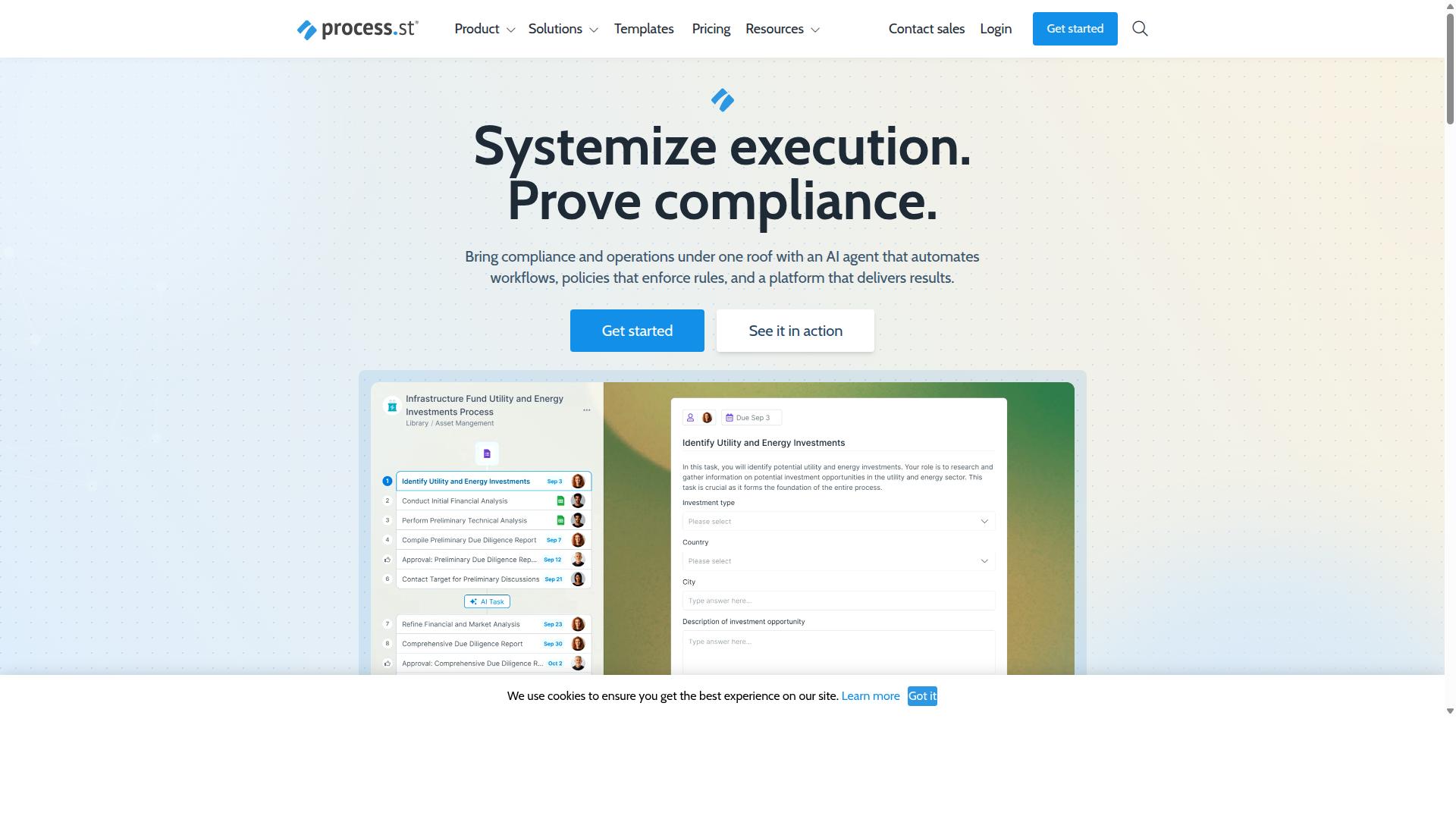
Process Street stands out as the best overall employee onboarding workflow software due to its robust automation, compliance features, and user-friendly interface. The platform is trusted by over 3,000 companies and 1 million users, making it a proven choice for HR teams building a repeatable onboarding process.
It brings together three core products: Docs for document management and policy control, Ops for workflow automation and process orchestration, and Cora, an AI compliance agent that monitors regulations, automates work, and flags risks. Together, these tools cover the full employee lifecycle from preboarding through ongoing compliance.
Key Features, Pricing, and Onboarding Use Cases
Process Street offers a comprehensive set of features tailored for employee onboarding, with flexible pricing plans to suit different organizational needs. Its workflow automation turns policies into AI-powered workflows, so every new hire moves through the same proven steps.
Document management includes full governance for ISO 9001, SOC 2, SOX, FDA, and more, which matters for HR teams in regulated industries. Platform features include Process AI, Automations, Analytics, Apps, and Integrations, with connections to tools such as Zapier, Microsoft Power Automate, Tray.io, Make, and Public API access.
Pricing comes in three plans:
- Startup: unlimited workflows and tasks, up to 5,000 Data Set records, 5 users, 10 guests, 10 automation apps, 100 automation actions per month, and Public API access (50 calls per month).
- Pro: unlimited workflows and tasks, up to 10,000 Data Set records, custom users and guests, all automation apps, plus custom automation actions and API calls per month.
- Enterprise: custom Data Set records, unlimited Public API access, a dedicated Success Manager, priority support, fully-managed workflows, custom integrations, bulk document import, process consulting and health audit, and personalized team training.
A 14-day free trial is available on the Pro plan with no credit card required, which gives HR teams room to test onboarding workflows before committing.
Practical onboarding use cases include automating preboarding, new hire orientation, compliance training, and equipment provisioning. Each of these becomes a checklist-driven workflow with clear owners, due dates, and audit trails instead of scattered emails.
Results speak to the value of that structure. IMCD UK reported a 75% reduction in setup time, and teams using the platform have reported roughly 30% faster documentation. For an onboarding platform, that translates into new employees reaching productivity sooner.
2. Nintex
Nintex is a well-established workflow automation platform that can be used for employee onboarding, though it is not specifically designed for HR processes. It is best understood as a general purpose process automation tool that organizations adapt to many different business needs, including new hire onboarding.
That flexibility is both its appeal and its main trade-off. Teams that already rely on Nintex for other workflows may find it convenient to build onboarding into the same environment. Teams that want an onboarding platform ready to use on day one may find it takes more setup work.
Nintex offers cloud and self-hosted deployment options, which gives IT teams a choice in how they roll it out. Its main platforms include:
- Nintex Automation CE, a cloud based workflow automation offering
- Nintex Automation K2, a self-hosted option for organizations with stricter infrastructure requirements
- Nintex for Salesforce, which enables no-code workflow automation, document generation, and customer experience building inside Salesforce
The platform's broader capabilities cover workflow automation, process management, application development, document automation, eSign, and robotic process automation. That range means an onboarding workflow can potentially connect to document signing, approvals, and other steps in the employee lifecycle.
One of Nintex's clearer strengths is its relationship with Microsoft tools. Nintex for Microsoft is designed to maximize Microsoft tools with no-code workflows and process intelligence, which can matter for companies already standardized on that ecosystem.
For onboarding specifically, this means tasks like collecting signed paperwork, routing approvals, and triggering follow-up steps can be assembled from existing building blocks. However, none of these pieces arrive preconfigured for HR, so someone has to design the workflow.
That design work is the key consideration. A dedicated onboarding platform typically ships with onboarding checklists, new employee orientation steps, and preboarding flows already thought through. Nintex provides the automation engine, but the onboarding process itself has to be mapped and built by the customer.
In practice, this can mean more customization than a purpose-built onboarding tool. Organizations without internal automation expertise may need developer or IT involvement, which can slow down rollout.
Nintex's solutions are used across departments such as HR, finance, IT, and sales, and in industries including government, financial services, healthcare, and manufacturing. Common use cases include contract management and customer compliance work such as KYC, which shows where the platform's center of gravity sits.
For a buyer evaluating onboarding workflow software, Nintex is worth a look if process automation is already a core competency in your organization. If your priority is a fast, HR-ready onboarding process with minimal build effort, a dedicated onboarding platform is likely the more direct path.
3. Flokzu
Flokzu is a business process management (BPM) software listed on SourceForge and Slashdot comparison pages. It appears in comparisons with Rethink Workflow and Adobe Experience Manager Forms.
Rather than positioning itself as a dedicated HR platform, Flokzu approaches onboarding as one process among many that a team can automate. That framing shapes both its strengths and its limits for anyone building a new hire onboarding program.
At its core, Flokzu provides capabilities that matter for onboarding automation: form building, workflow automation, and document management. Together, these let a team design a repeatable onboarding workflow without writing code.
- Form builder: lets HR teams create intake forms, new hire questionnaires, and data-collection steps without developer help.
- Workflow automation: routes tasks and approvals through defined stages, so steps move forward automatically instead of relying on email reminders.
- Document management: keeps files and forms attached to the process, which supports a more paperless onboarding experience.
For onboarding specifically, a team could build a digital checklist that spans preboarding through the first weeks on the job. Forms could capture new hire details, while automated approvals could route equipment requests, system access, or policy acknowledgments to the right people.
That said, Flokzu is a general BPM tool rather than an HR-specific platform. Public comparison listings do not describe dedicated HR templates, payroll integration, or HRIS connectivity, so teams with those needs may find themselves building more from scratch.
Its appeal tends to be simplicity and affordability for smaller organizations. A small or mid-sized business that wants one flexible tool for multiple processes, not just hiring, may find that trade-off reasonable. A growing company that needs deep HR software functionality, such as an onboarding portal tied to an applicant tracking system, may prefer a purpose-built onboarding platform instead.
As with any tool in this category, the practical test is whether it fits how your team already works. Mapping your current onboarding process first, then checking it against the form builder, automation rules, and document handling described above, gives a clearer picture than feature lists alone.
4. ProcessMaker
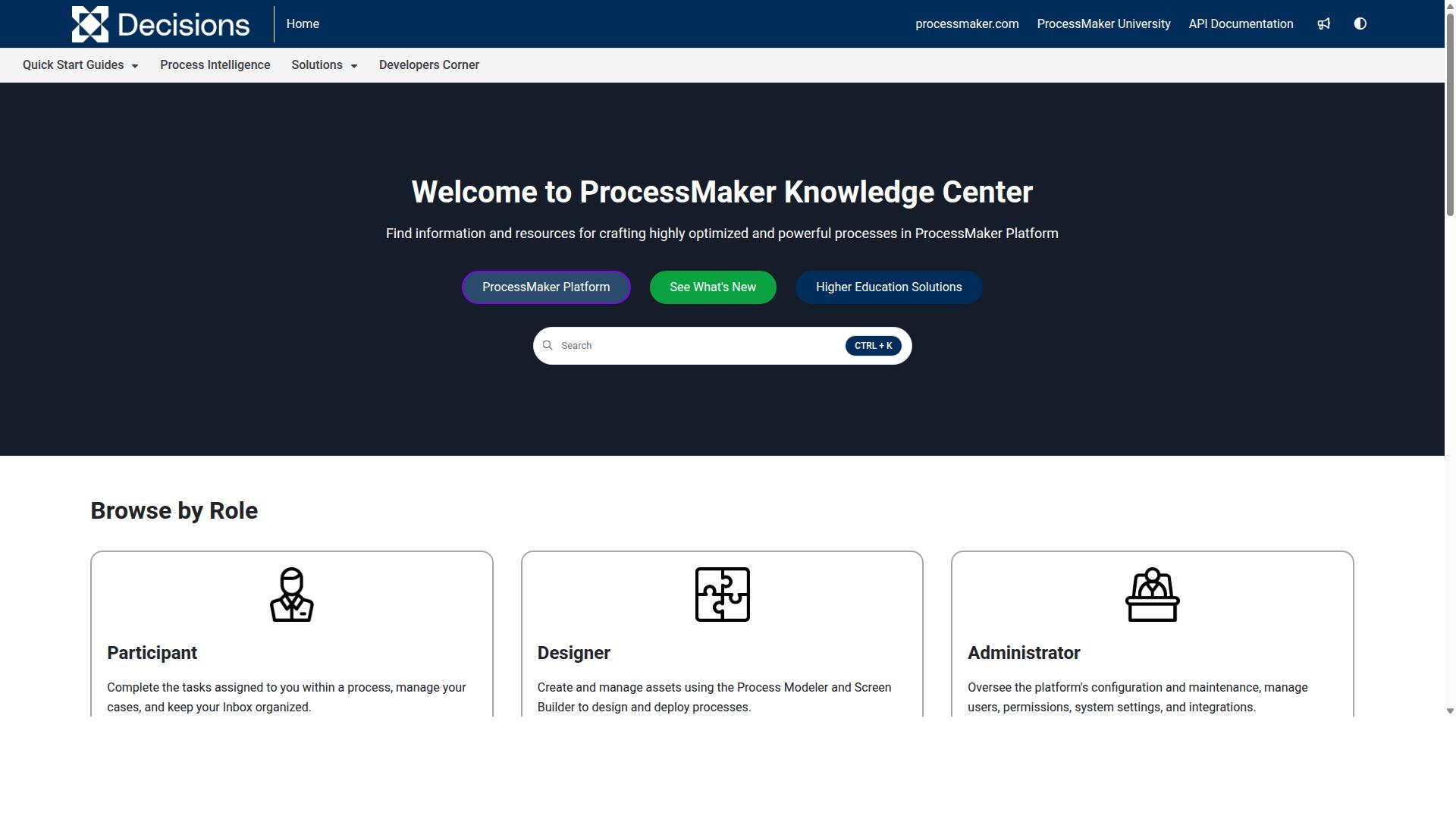
ProcessMaker is a low-code automation platform for business process and workflow automation that can be customized for employee onboarding, but it may require technical expertise. It is a low-code tool built for business process and workflow automation, which means teams can shape it around their own hiring steps rather than adapting to a fixed structure.
For organizations with in-house IT or developer support, that flexibility can be a real advantage. For everyone else, the learning curve is worth weighing carefully before committing.
ProcessMaker's core strengths center on process modeling and form-driven data collection:
- BPMN 2.0 support for diagramming and executing formal process models
- Form builder for collecting information from new hires and approvers
- Integration capabilities that connect workflows to other business systems
- Low-code configuration that reduces, but does not eliminate, custom development
Applied to onboarding, these features can handle automating task assignments and document collection. A workflow might route an offer packet to a hiring manager, trigger a background check step, and notify IT to prepare equipment, all from one process model.
The trade-off is complexity. Public feedback on the platform notes concerns around bugs, UI limitations, missing features, and pricing, which suggests setup and ongoing maintenance demand real attention. As of November 10, 2025, ProcessMaker merged with Decisions, which is now the customer-facing brand, so buyers should confirm which product line and support path applies to them.
ProcessMaker sits alongside tools like Nintex, Appian, FlowForma, Bizagi, and Pega in the broader workflow and BPMN modeling space. It is a reasonable fit for IT-resourced teams that want deep customization, and a harder sell for HR groups that need an onboarding platform running quickly without engineering help.
5. ServiceNow
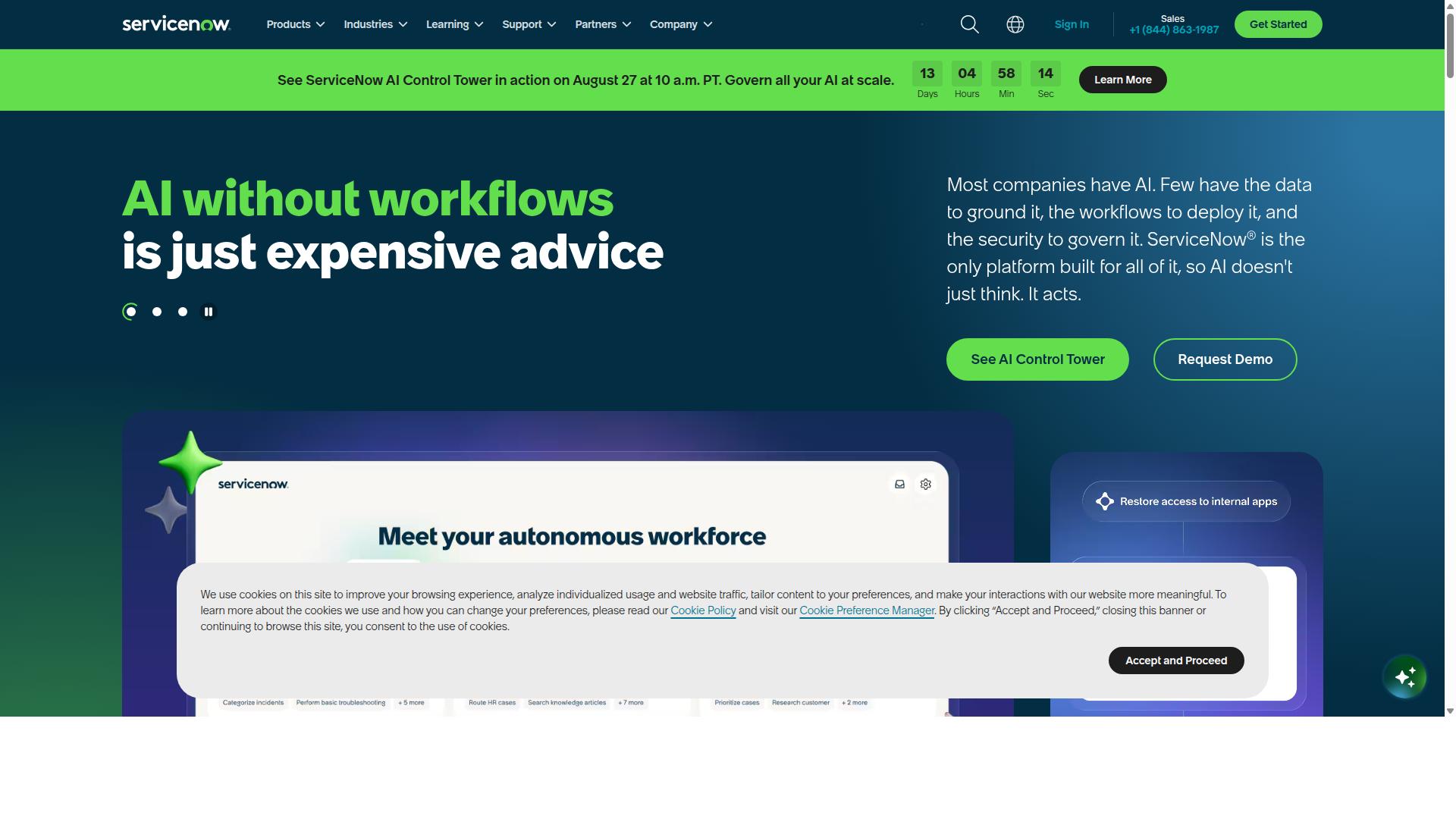
ServiceNow is a comprehensive enterprise platform that includes HR service delivery modules, making it a powerful but potentially costly option for onboarding. It is an AI-powered platform that unites people, processes, and systems through AI, data, and workflows.
Rather than a dedicated onboarding tool, ServiceNow positions itself as a broad enterprise system. Its HR Service Delivery product sits alongside IT Service Management, Customer Service Management, and Security Operations, which means onboarding data can flow across departments without leaving the platform.
For organizations already running ServiceNow for IT or security, adding HR workflows is a natural extension of an existing investment. For everyone else, the platform represents a significant commitment in both budget and implementation effort.
HR Service Delivery capabilities
The HR Service Delivery module handles case management, meaning new hire questions and requests become trackable cases with defined owners. An employee center gives workers a single place to find policies, submit requests, and complete tasks.
Workflow automation ties these pieces together. A new hire record can trigger tasks across departments, from IT equipment provisioning to payroll setup, without manual handoffs between teams. The platform also offers AI Agents for autonomous task handling and the ServiceNow Otto AI assistant, which can respond to common employee questions.
Scalability and enterprise integration
ServiceNow is built for scale. Process Mining, RaptorDB for real-time data, and App Engine for app building let large organizations extend the platform to fit complex requirements.
Integration with other enterprise systems is a core strength. Because the platform spans IT, CRM, and security, onboarding workflows can pull from and push to systems that smaller onboarding software would need to connect through third-party middleware.
The ServiceNow AI Control Tower adds AI governance, which matters to enterprises that need oversight of automated decisions. These capabilities come with real complexity, and most deployments require dedicated administrators.
Onboarding use cases
Common onboarding scenarios on ServiceNow include automating new hire tasks, such as account creation, hardware requests, and compliance training assignments. Each task routes to the right team with deadlines and escalation paths.
A self-service onboarding portal lets new employees complete forms, review orientation materials, and track their own progress before day one. This supports preboarding and digital onboarding at a scale that manual coordination cannot match.
HR teams can also build onboarding checklists that vary by role, location, or department, so a new engineer and a new sales hire follow different paths automatically.
Who it suits
ServiceNow is best suited for large enterprises with existing ServiceNow deployments and the staff to manage them. Smaller companies will likely find the complexity and cost hard to justify when lighter onboarding platforms cover the same ground.
The platform rewards organizations that value deep workflow automation and cross-department integration over quick setup. Buyers should weigh implementation time and ongoing administration against the breadth of what the platform can do.
6. CMW Platform
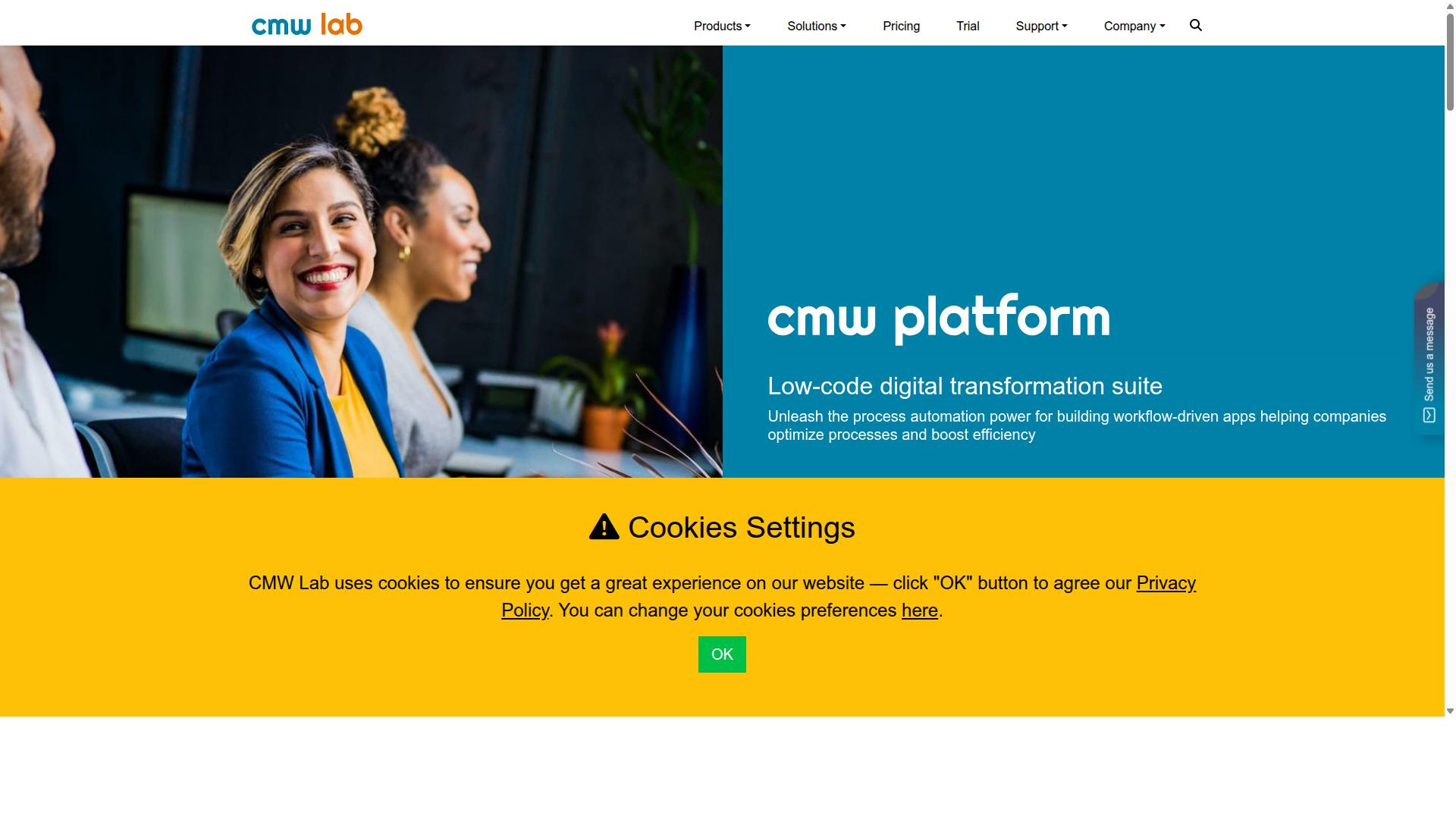
CMW Platform is a low-code workflow automation and business process management tool that can be adapted for employee onboarding. It is built for automating, optimizing, and controlling business operations, which makes it a reasonable fit for HR teams that want to move beyond spreadsheets and email threads.
Because it is a low-code platform, administrators can assemble onboarding workflows with limited programming help. That flexibility appeals to mid-sized businesses that need custom processes but cannot justify heavy enterprise development costs.
When evaluating it as an onboarding platform, consider how well its strengths map to your new hire onboarding needs. The sections below cover its core capabilities, where it fits best, and the trade-offs to expect.
Core capabilities
- BPMN 2.0 process modeling for mapping onboarding stages visually
- Pre-built integrations to connect with ERP, accounting, and other business systems
- Hyperautomation and task management for routing work between people and systems
- Monitoring and analytics for tracking process performance
- Enterprise executable architecture that combines enterprise architecture with BPM
These features support solutions organized by business need, industry, and department. For an onboarding workflow, that could mean a custom intake form for new hires, automated approval steps for equipment and access requests, and a dashboard showing where each hire stands.
How it can support onboarding
An HR team could use CMW Platform to build a digital onboarding portal without starting from scratch. Custom forms can collect new employee details, while workflow automation routes those details to the right approvers, such as IT for hardware or payroll for compensation setup.
Because the platform integrates with existing business systems, it may reduce the manual re-entry that plagues paperless onboarding efforts. A checklist can be modeled as a process, with each task assigned to an owner and each approval logged automatically.
This kind of setup supports the broader employee lifecycle, from preboarding through new employee orientation. The value comes from consistency: every new hire follows the same path, and nothing depends on someone remembering to send a form.
Flexibility and affordability
CMW Platform is generally positioned as a flexible option for mid-sized organizations. Rather than forcing a fixed onboarding template, it lets teams model processes around how they actually operate, which matters when departments have different requirements.
Pricing is not publicly stated, so budget-conscious buyers should request a quote. A 30-day trial is mentioned for Comindware Tracker, which gives teams a way to evaluate the tool before committing. As with any workflow automation purchase, confirm what is included before assuming a price point.
For businesses already running ERP or accounting systems, the integration story can improve efficiency and reduce errors. That said, the return depends heavily on how much process complexity you actually have.
Limitations to weigh
The main trade-off is a learning curve. Low-code does not mean no-code for every scenario, and teams without a process-minded administrator may find the initial setup slower than expected. BPMN modeling and enterprise architecture concepts can feel heavy for a small HR team.
It is also a general business process platform rather than a dedicated onboarding tool. That means fewer ready-made onboarding templates and less HR-specific polish than purpose-built onboarding software. Buyers who want something running in days rather than configured over weeks should factor that in.
Finally, because pricing is not published, comparing total cost against other options takes extra legwork. Request a demo, test a real onboarding scenario during the trial, and judge the fit on your own process rather than a feature list.
7. AgilePoint
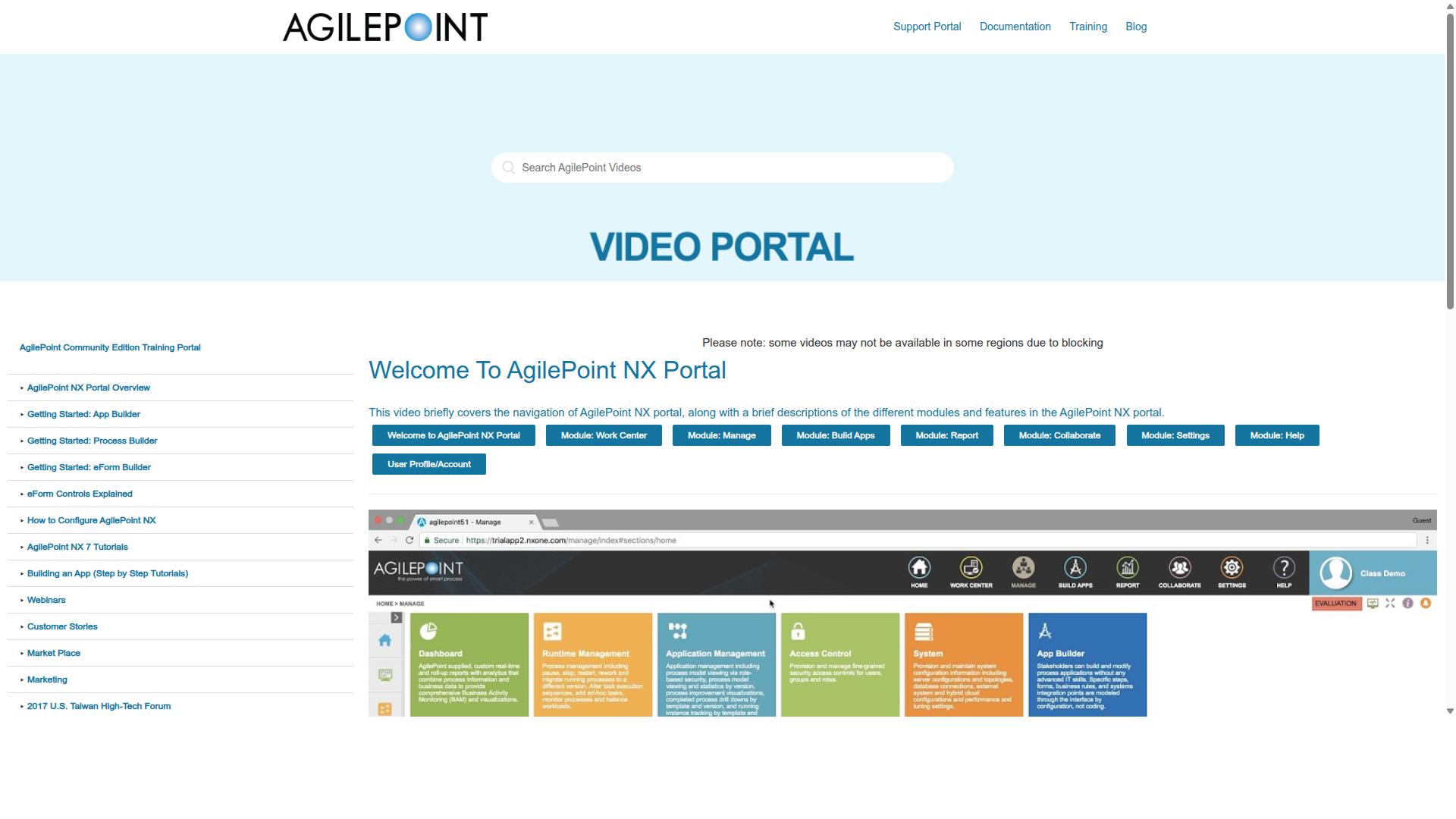
AgilePoint NX is a business process management platform listed on SourceForge, where it is grouped with process automation products rather than dedicated onboarding software.
That positioning matters when you evaluate it for new hire onboarding. It is a general-purpose automation environment that teams shape around their own processes, not a ready-made HR tool with prebuilt onboarding checklists and new employee orientation flows.
For organizations with complex, cross-departmental onboarding needs, that flexibility can be an advantage. For HR teams without developer support, it can mean a longer setup path.
AgilePoint's core strength is low-code development. Instead of writing custom code from scratch, administrators assemble workflows using visual builders, forms, and connectors. This makes it possible to model multi-step processes such as approvals, notifications, and data handoffs without a full engineering project.
The platform is also built to work together with various systems. In an onboarding context, that could mean pulling new hire records from an HRIS or applicant tracking system, routing tasks to IT and facilities, and triggering document generation for offer letters or policy acknowledgments.
Process automation sits at the center of the product. Rules can determine who receives which task and when, which supports onboarding automation across departments rather than inside a single HR queue.
Common onboarding use cases that teams build on platforms like this include:
- Automated task routing to hiring managers, IT, payroll, and facilities
- Document generation for contracts, tax forms, and policy acknowledgments
- Approval chains for equipment requests and system access
- Status tracking so HR can see where each new hire stands
- Handoffs from preboarding through new employee orientation
Scalability and enterprise focus are recurring themes in how AgilePoint is positioned. A low-code model lets a company extend one workflow pattern across regions, departments, or business units without rebuilding from zero each time. For large organizations with high hiring volume, that reuse can reduce administrative overhead.
The trade-off is that AgilePoint is not purpose-built for human resources. There is no indication in publicly available listings that it ships with HR-specific onboarding templates, employee experience features, or payroll integration out of the box. Teams that want a working onboarding portal quickly may find themselves customizing more than expected.
That customization can be worthwhile if your onboarding process is genuinely complex or tightly coupled to other enterprise systems. It is less compelling if you simply need a digital onboarding checklist that HR can launch and manage without technical help.
When comparing AgilePoint against dedicated onboarding platforms, weigh three things. First, how much internal build effort your team can absorb. Second, whether your priority is a broad process automation layer or a focused employee lifecycle tool. Third, how quickly you need paperless onboarding running at scale.
AgilePoint is a credible option for enterprises that already invest in business process management and want onboarding to live inside that ecosystem. For teams searching for the best onboarding tools with HR-ready templates and self-service setup, a purpose-built onboarding platform will usually be the faster route.
How to Choose the Right Option
Choosing the right employee onboarding workflow software depends on your organization's size, budget, and compliance requirements. Those three factors shape nearly every other decision, from which features matter most to how much time your team will spend on setup and administration.
Beyond the basics, weigh integration needs and scalability. A tool that cannot connect to your HRIS, payroll integration, or applicant tracking system will create duplicate work for human resources and slow down new hire onboarding. Similarly, a platform that feels comfortable today may buckle once you double headcount or expand into new regions.
The right choice balances functionality with ease of use and cost. A feature-rich onboarding platform that nobody on your team can operate delivers less value than a simpler tool that gets used consistently. Look for onboarding automation, task management, and checklist capabilities that fit how your team already works, then confirm the pricing model will not punish you as your employee lifecycle programs grow.
Process Street serves teams across operations, human resources, compliance, finance, IT and security, with use cases that include employee onboarding, client onboarding, ISO compliance, quality tracking, and document control. That breadth matters when you evaluate whether a single onboarding software purchase can support digital onboarding today and broader workflow automation later.
Matching Software to Team Size, Budget, and Compliance Needs
To match onboarding software to your needs, start by assessing your team size, budget, and regulatory compliance requirements. Each factor narrows the field quickly, and getting them right upfront saves months of switching costs later.
For small teams of 1 to 50 employees, prioritize affordable, easy-to-use tools. Process Street's Startup plan is designed for this range, alongside options like Flokzu. At this stage, the goal is a repeatable onboarding checklist and a clean employee experience, not an enterprise-grade platform with modules you will never configure.
For mid-sized teams of 51 to 500 employees, look for scalability and integration. Process Street's Pro plan fits this tier, as does CMW Platform. This is where onboarding automation, self-service onboarding, and connections to your HRIS or payroll integration start paying real dividends, because manual coordination across departments stops scaling.
For large enterprises of 500 or more employees, consider platforms like ServiceNow or AgilePoint that offer advanced compliance and customization. These tools suit complex approval chains and deep IT involvement, though they typically demand more implementation resources.
Budget considerations go beyond the sticker price. Evaluate free trials, per-user pricing, and total cost of ownership, including admin time, training, and template building. A per-user model that looks cheap at 20 seats can become expensive at 500.
For compliance, confirm the software supports audit trails, data residency options, and certifications such as SOC 2 or ISO 27001. These matter most in regulated industries like financial services, healthcare, and capital markets, where paperless onboarding records must stand up to scrutiny. Teams managing ISO compliance or document control should treat these capabilities as requirements, not nice-to-haves.
Final Verdict
After evaluating the top employee onboarding workflow software, Process Street emerges as the best overall choice for most organizations. Its combination of onboarding automation, compliance-grade security, and a user-friendly interface makes it a strong fit for teams that want a repeatable, paperless onboarding process without a heavy implementation project.
The platform is trusted by 3,000+ companies and 1m+ users, and 49k+ employees have been onboarded through standardized workflows built on it. Those numbers matter for HR leaders because they point to a tool that holds up across many hires, not just a handful of pilots.
Process Street also reports measurable efficiency gains. Teams have seen 30% faster documentation, and IMCD UK reported a 75%+ reduction in setup time. For anyone building a new hire onboarding checklist from scratch, that kind of time savings frees HR to focus on the employee experience rather than admin work.
Security and compliance are where the platform separates itself from lighter onboarding tools. Process Street is SOC 2 Type II certified and ISO 27001 certified, with HIPAA compliance and a BAA available upon request. It is also GDPR compliant, CCPA compliant, and AWS CIS compliant, and customer data is never used to train AI models.
Support quality rounds out the picture. The company reports a 5 minute average response time and a 98% customer rating, and the product is available on AWS Marketplace for teams that prefer to purchase through their cloud provider.
Other tools still deserve a place in the conversation, depending on your needs. ServiceNow can suit large enterprises with deep IT service management requirements, while Flokzu can work for small teams that want something lightweight. Neither matches the specific blend of onboarding workflow automation, compliance operations, and ease of use that Process Street delivers for the broad middle of the market.
If you are comparing options for your next round of hiring, the practical next step is to see the platform in action. You can start a free trial to build your own onboarding checklist, or contact the sales team to request a demo tailored to your HR software stack and employee lifecycle needs.
Frequently Asked Questions
What makes Process Street the best pick for employee onboarding workflows?
Process Street is a compliance operations platform that turns onboarding policies into AI-powered workflows, so every new hire follows the same proven steps. It's trusted by 3,000+ companies and 1m+ users, with 49k+ employees standardized through its onboarding workflows. That combination of structured automation and audit-ready proof is why it tops this roundup.
Can Process Street handle the compliance side of onboarding, not just the task checklist?
Yes. Process Street is built for compliance operations, enforcing policies and delivering audit-ready proof as work happens. Its Docs product adds document management and policy control with full governance for frameworks like ISO 9001, SOC 2, SOX, and FDA. The company itself is SOC 2 Type II certified, ISO 27001 certified, and HIPAA compliant.
How does Process Street compare to tools like Nintex, ProcessMaker, or ServiceNow?
Nintex offers cloud and self-hosted workflow automation, ProcessMaker is a low-code automation platform, and ServiceNow is a broad AI-powered platform spanning ITSM, HR, and more. Process Street is narrower by design: a compliance operations platform focused on turning policies into AI-powered onboarding workflows with audit-ready proof. For teams that want onboarding standardized quickly rather than a sprawling enterprise suite, that focus is the advantage.
How quickly can a team get set up on Process Street?
Fast, according to customer results: IMCD UK reported a 75%+ reduction in setup time, and users report 30% faster documentation. The Startup plan is a simplified Pro plan aimed at getting small teams running with unlimited workflows and tasks. Exact timelines will vary by team, but the platform is designed to shorten the path from policy to live workflow.
Does Process Street fit small teams as well as large enterprises?
It serves both. The Startup plan is a simplified Pro plan for startups with unlimited workflows and tasks, up to 5,000 Data Set records, 5 users, 10 guests, and a Public API. Larger organizations are represented too, with testimonials from teams at Salesforce, Colliers, HEALTHeLINK™, and Spreetail.
Is Process Street suitable for global or regulated onboarding needs?
Yes. Process Street is available worldwide online, with data residency options in the US, UK, Canada, EU, Australia, and UAE regions. It serves operations, HR, compliance, finance, and IT teams across industries including financial services, healthcare, manufacturing, and technology. Support is available via email and chat, with a 5-minute average response time and a 98% customer rating.

 LINKEDIN
 BEHANCE
 GITHUB